Latest guide 
Outlook and Teams stopped working. Is it your computer or a Microsoft outage?
How to check for a Microsoft 365 outage, avoid unnecessary changes and keep essential work moving when Outlook or Teams is unavailable.
Read guide

Known Good is the Desk Flow IT guide library: straightforward advice for families and small businesses navigating computers, privacy, security and the internet.

Find practical answers for your home, family or small business.
39 guides
How to check for a Microsoft 365 outage, avoid unnecessary changes and keep essential work moving when Outlook or Teams is unavailable.

Practical checks for a computer that will not turn on, including power, charging, displays and when to ask for help.

Learn how to stop unwanted browser notifications, recognise fake security warnings and check when your computer needs further attention.

Practical advice for freeing computer storage, checking backups and managing cloud files without losing important photos, documents or business records.

A practical checklist for moving photos, contacts, messages, authentication apps and important accounts safely to a new phone.

A practical home guide to WiFi printer problems, stuck print jobs, incorrect settings and the checks to try before reinstalling everything.

A practical recovery plan for securing a compromised email, social media, cloud or business account and reducing further harm.

Straightforward answers to common questions about slow computers, WiFi problems, security, backups, updates and getting IT support.

A separate guest WiFi network gives visitors useful internet access while helping protect business computers, printers, files, and systems.

A practical guide to capable alternatives for browsing, security, office work, media, creative projects, email, and Windows itself.

Public WiFi is convenient, but it is not the right place for banking, shopping or sensitive work. Learn safer habits for cafes, airports and hotels.

Scammers may pretend to be technology companies, banks or government agencies. Learn how to recognise a remote access scam and what to do if you respond.

QR codes are convenient, but they can also lead to fake websites, harmful downloads and stolen information. Learn how to scan them safely.

AI chatbots can feel personal and supportive, but children need help understanding their limits, protecting their information and knowing when to talk to a real person.

Recognise common marketplace scams, check payments safely and protect your family when buying or selling secondhand items online.

A practical response plan for securing a compromised business email account, protecting customers and reducing the chance of further damage.

A quick family check can help you understand who can make contact, what an app collects, whether it shares location and how purchases are controlled.
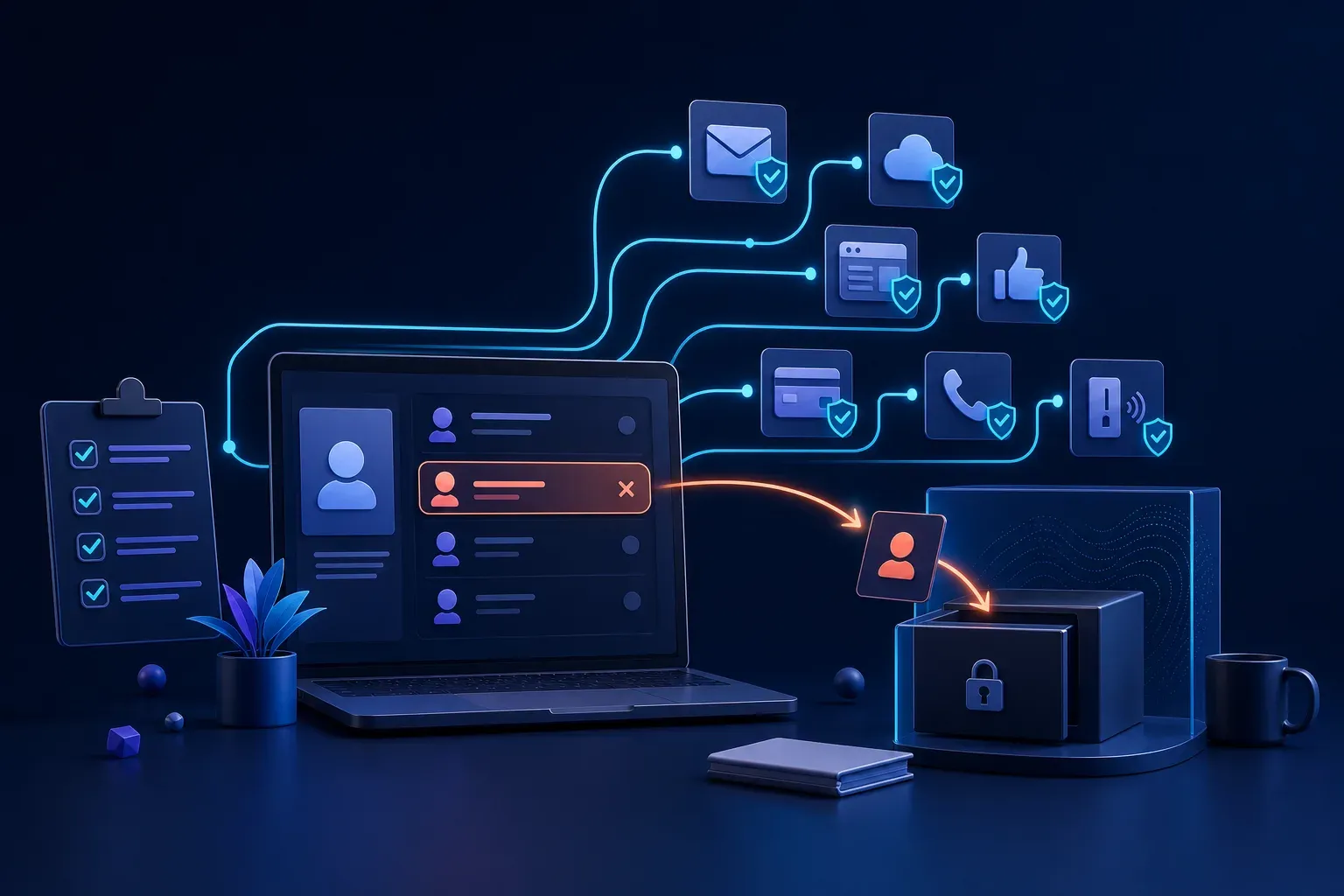
A simple staff departure checklist can protect business email, files, websites, payments and customer information after somebody leaves or changes roles.

Voice cloning can make an urgent family scam sound frighteningly familiar. A simple verification plan can help everyone pause and check before acting.
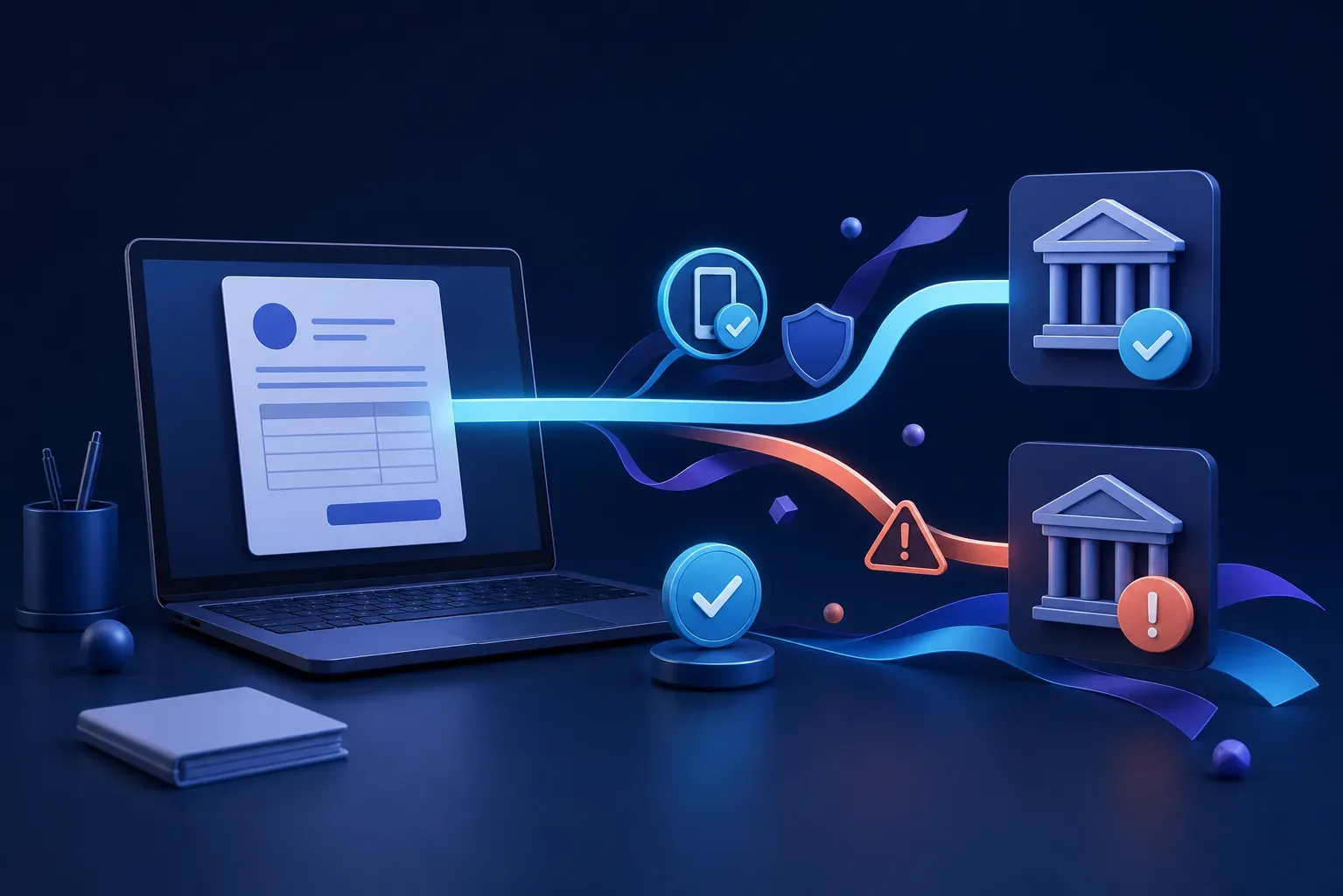
A familiar invoice can still redirect money to a criminal. One simple verification habit can protect your business before a payment is approved.

A calm recovery plan can help families locate a missing phone, protect important accounts and know when to contact the mobile provider or police.

Class group chats can be useful, but pressure, exclusion and hurtful messages can quickly make them difficult for children to manage alone.

Children can learn to recognise fake giveaways, urgent account messages, suspicious links, and requests for passwords or verification codes.

Apps such as Life360 can provide useful arrival, battery, and emergency alerts, but they work best when families agree on clear and respectful boundaries.

Children are more likely to ask for help when they know they will be heard, supported, and will not automatically lose their device.

Family photos can reveal more than expected. Private profiles, careful photo choices, and limited identifying details can reduce the risk of copying and AI deepfakes.

A practical backup plan can protect family photos, business records, and important documents from hardware failure, theft, accidents, and ransomware.

AI can help create images, draft website content, and save time. Businesses also need clear limits on the customer and confidential information they share with it.

Updates do more than add features. They close security gaps in your computers, applications, and business websites before those gaps can be used against you.

An older computer may still have plenty to offer. Linux can make it useful again for everyday tasks without forcing it to behave like a new machine.

A short guide to YouTube, YouTube Kids, Shorts, recommendations, parental controls, and helping children choose videos more safely.

A practical guide to live streams, chat, subscriptions, spending, moderation, and the conversations that help teenagers use Twitch and Kick more safely.
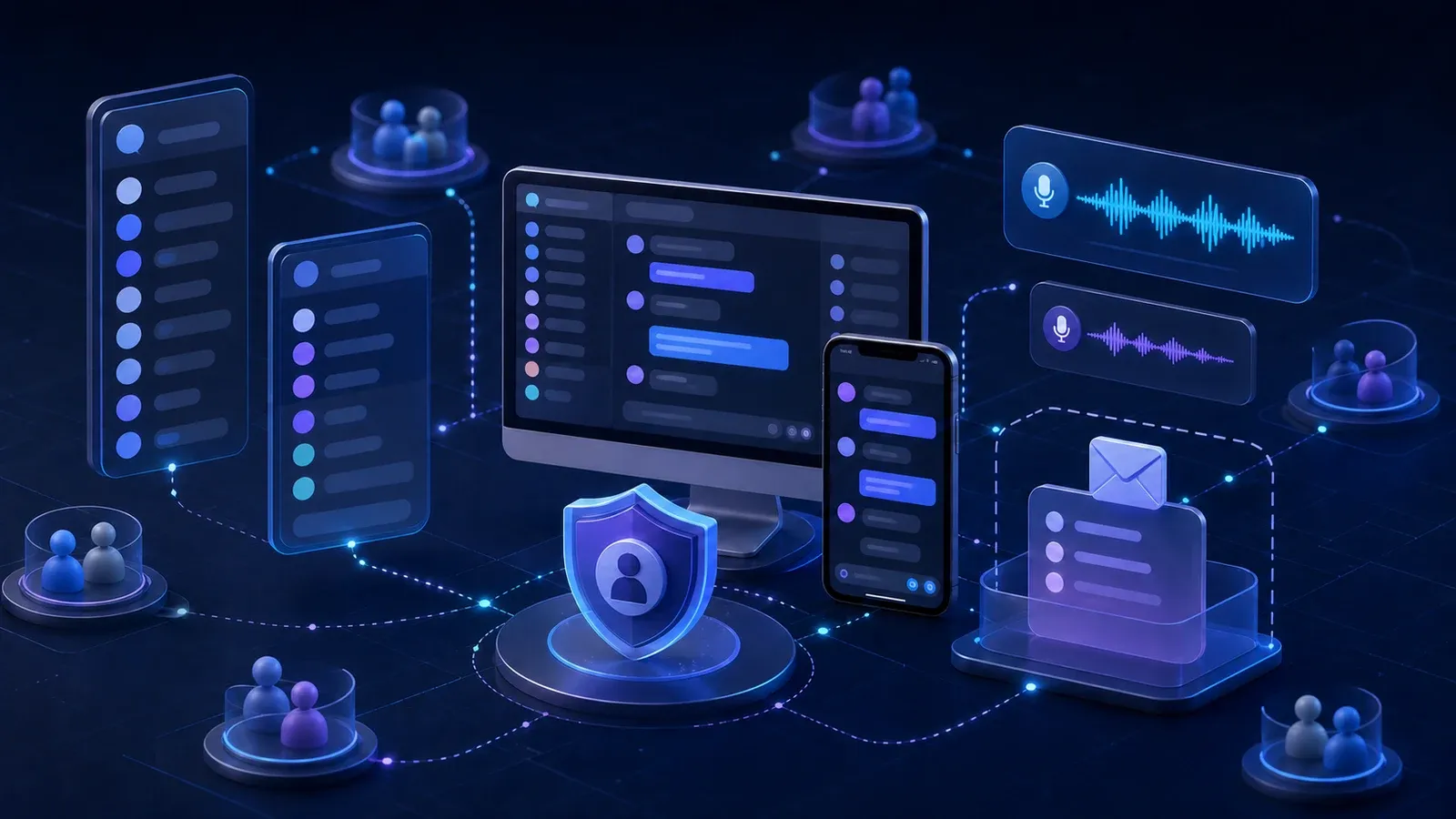
A practical guide to Discord servers, channels, private messages, voice chat, Family Center, safety settings, and the conversations that help teenagers use it more safely.

A practical guide to Snaps, Stories, streaks, location sharing, My AI, Family Centre, and the conversations that help young people use Snapchat more safely.

How multifactor authentication protects your accounts even when a password is stolen, and which verification methods offer the strongest security.

Why password managers make unique passwords easier to use, how they protect stored credentials, and how to secure your password vault.

How artificial intelligence is helping security teams, changing cybercrime, and raising new questions for businesses adopting AI tools.

A practical comparison of parental controls from ASUS, TP Link, NETGEAR, Google and Synology, with guidance on what families should check before buying.

A detailed guide to linking an existing adult Roblox account to a child’s account, verifying parent privileges, and reviewing essential safety controls.
No guides match that search.