Slow and unreliable computers
Investigate long start-up times freezing poor performance overheating and computers that have become difficult to rely on.
Ask about this Request IT help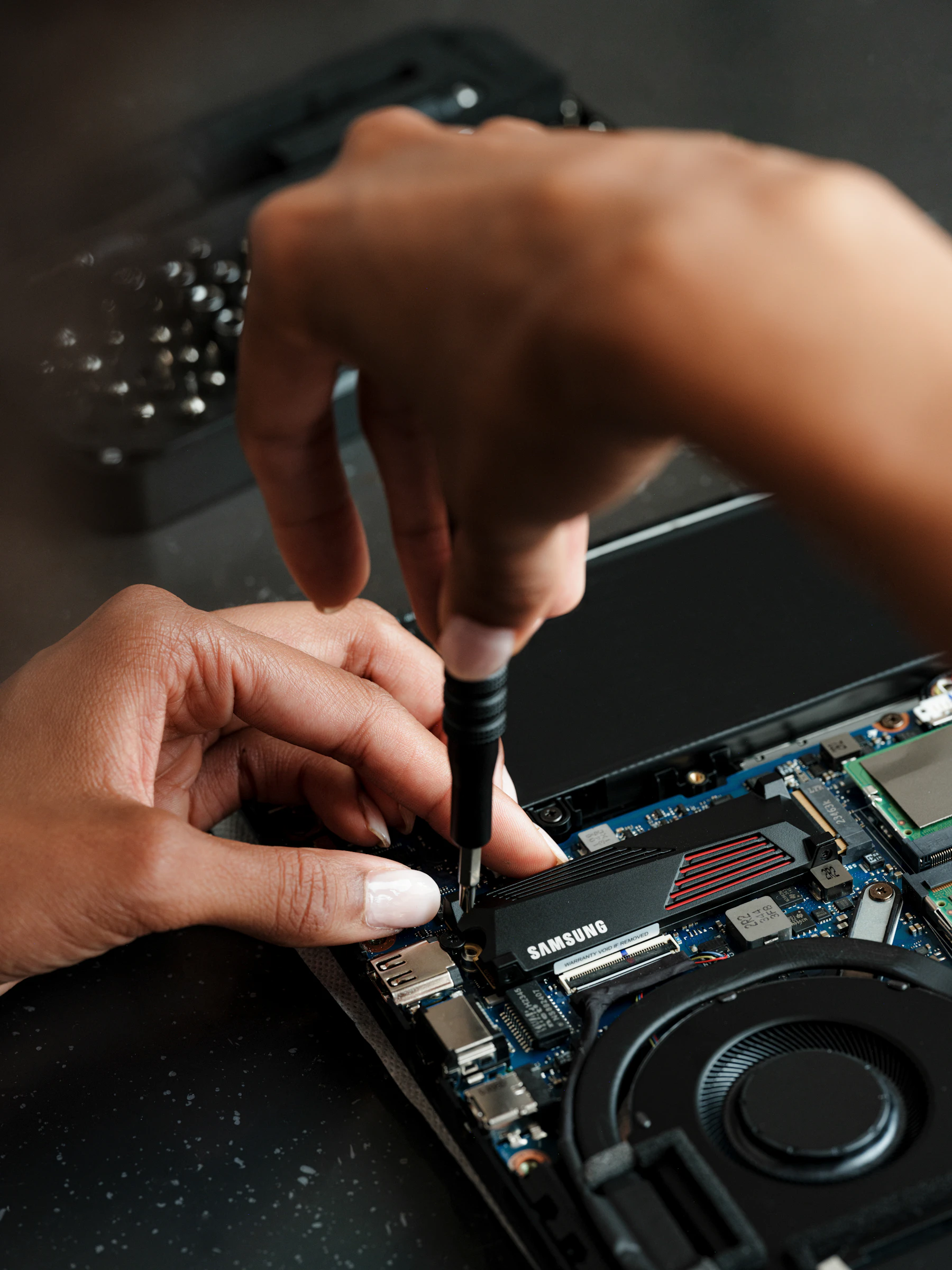
Slow, crashing, overheating or unreliable computer? I diagnose the cause and explain the sensible repair or upgrade before work begins.
Practical help for home computers and small business workstations, focused on finding the real cause rather than applying a quick guess.
Support is shaped around the problem in front of you, with a clear explanation of what is being changed and why.
Investigate long start-up times freezing poor performance overheating and computers that have become difficult to rely on.
Ask about thisDiagnose errors failed updates troublesome applications startup issues and settings that are preventing normal use.
Ask about thisAssess faulty desktop components storage and memory then explain whether a repair upgrade or replacement is the sensible choice.
Ask about thisWhere a desktop PC is worth repairing, I can replace suitable components, improve performance and get the existing setup working reliably again. If replacement makes more sense, I’ll say so.
I’ll ask what changed, reproduce the problem where possible and check the most likely hardware, software and configuration causes. You’ll receive a plain-English explanation and approve the next step before extra time, parts or paid software are involved.
Note any error messages and when the problem began. If the computer still works back up important files and have relevant passwords available.
I’ll explain whether the problem is practical to fix and whether an upgrade or replacement offers better value.
Hardware and physical faults normally require an on site visit. Many Windows software and configuration issues can be handled remotely.
From the first conversation to the final fix, the process stays straightforward.
Tell me what the computer is doing when it started and anything that recently changed.
I check the hardware software settings and error information relevant to the problem.
I explain the options and cost before continuing beyond the agreed support time.
An on site visit within the published service areas has a $99 total minimum charge. This includes the local call out travel and up to 60 minutes of support. Extra time is $24.75 per 15 minutes and only continues with your approval. Any parts paid software parking or out of area travel are confirmed separately first.
Many Windows software email account and configuration problems can be investigated remotely. Hardware faults overheating and component replacement generally require an on site visit.
Yes. If the likely repair cost or age of the computer makes replacement the more sensible option I will explain that before recommending further paid work.
If possible note any error messages back up important files and have the computer power cable passwords and relevant account details available. Do not worry if the computer will not start because I can begin with the symptoms you have observed.