
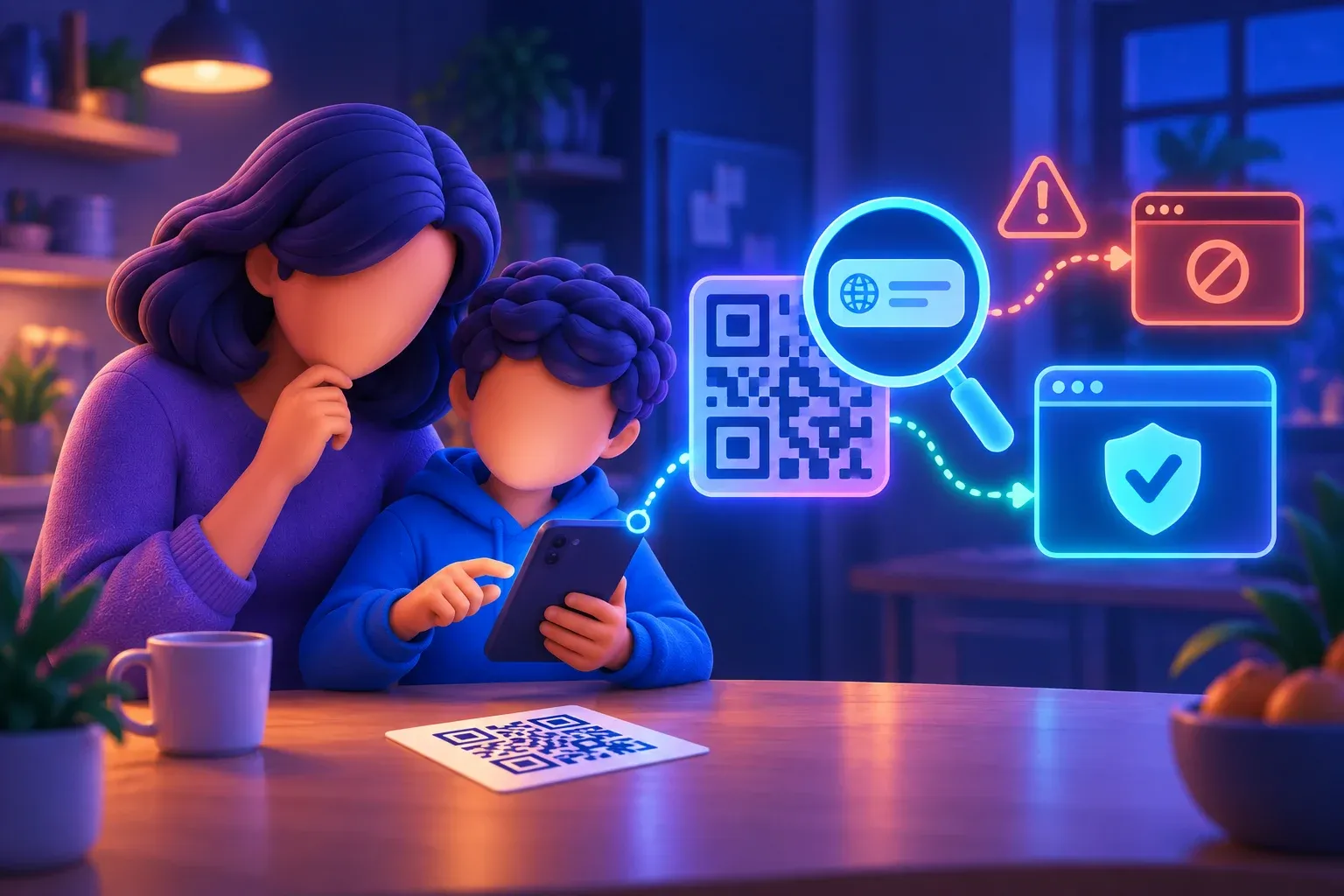
QR codes appear on menus, parking meters, parcels, posters, event tickets and payment requests. They are quick and useful, but the square image does not tell you where it will lead.
Scammers can place a QR code on a genuine looking notice or send one in an email and text message. When somebody scans it, the code might open a fake sign in page, request bank details or encourage a harmful download. This type of attack is often called quishing.
Pause before scanning
Ask where the code came from. A code on a menu inside a venue may be expected. A code on a sticker placed over a parking meter deserves more care. An unexpected code in an email, parcel message or letter should be treated like an unexpected link.
Do not scan simply because the message says you must act immediately. Urgency is a common way to stop people checking details.
Check the destination before continuing
Your phone may show a preview of the website before opening it. Read the address carefully. Look for misspellings, strange words and a domain that does not match the organisation you expected.
Even a padlock does not prove that a website is genuine. It only means the connection is encrypted. Scammers can use secure connections on fake websites too.
If the code claims to open your bank, email provider, government account or delivery service, close the page and open the official app or type the known website address yourself. This removes the QR code from the process.
Never enter sensitive details because a code asks
Be especially careful if a QR destination asks for a password, one time code, banking details, card number or identity document.
Your bank or service provider should not need you to reveal a security code to somebody who contacts you unexpectedly. Never share a sign in code with another person, even if the page looks professional.
If you are paying, confirm the business name and amount in your banking app before approving the transaction. If anything does not match, stop and contact the organisation through a trusted phone number.
Be careful with downloads
A QR code may try to make you download an app or file. Do not install software from an unexpected page. Use the official app store or the organisation’s known website instead.
Keep your phone updated and use a screen lock. Updates help protect the device when a harmful page or file tries to take advantage of an old weakness.
QR codes at home and at work
Talk with children about checking a code before opening it. A code in a game, group chat or video may not be safe simply because a friend shared it.
Businesses should teach staff not to scan QR codes in unexpected work emails using personal phones. Report suspicious messages to the person responsible for technology and confirm unusual payment requests another way.
The Australian Cyber Security Centre guide to QR code phishing recommends using a known website for payments, avoiding downloads through QR codes and checking suspicious messages before interacting with them.
If you already scanned a suspicious code
Close the page and do not enter any details. If you entered a password, change it through the genuine service and turn on multi factor authentication. If you entered banking or card information, contact your bank immediately using its official number.
Save the message or photograph the notice if it is safe to do so, then report the scam to the relevant platform or Scamwatch.
A QR code is only a shortcut. Take a moment to check the destination before trusting what appears on the other side.