
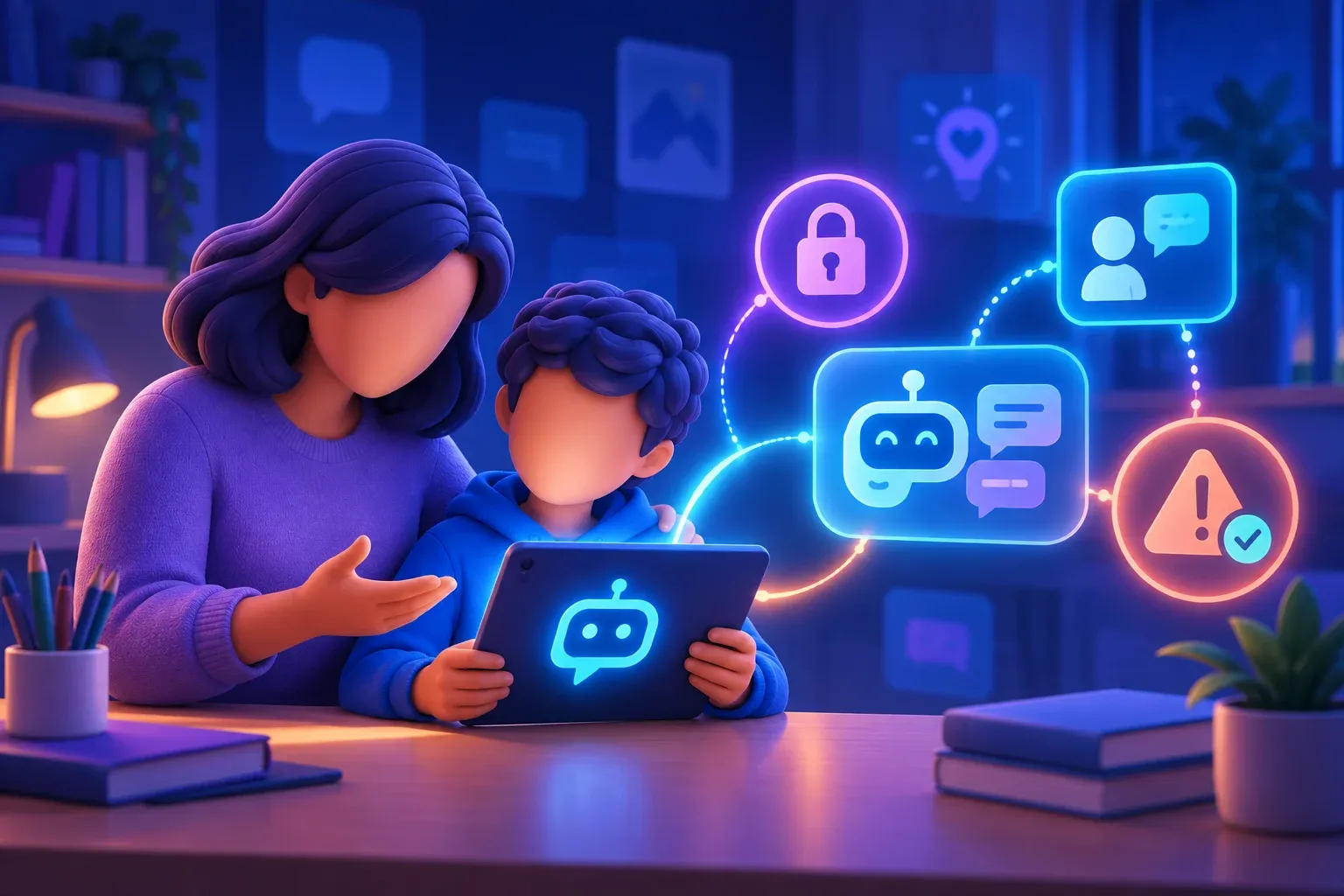
Many children already use AI assistants for homework, ideas and quick answers. Newer AI companion apps go further by presenting themselves as friends, listeners or characters that remember past conversations.
That can make the experience feel personal. It can also make it harder for a child to recognise that the chatbot is software, not a trusted person who understands their life or can keep them safe.
Why the conversation can feel real
AI chatbots are designed to respond quickly and in a warm, conversational way. Some use names, voices, memories and personalities to keep people engaged.
This can be useful when a child wants to practise a language, brainstorm a story or ask a simple question. The same design can become risky when a child starts turning to the chatbot for serious advice about friendships, health, family problems or emotional distress.
An AI system can sound confident while being wrong. It does not know your child, understand the full situation or have the responsibility of a parent, teacher or health professional.
Personal information can spread further than expected
Children may share their full name, school, location, photographs, family details or private feelings without realising how valuable that information can be.
Before using any chatbot, talk about what should stay private. Personal secrets, passwords, contact details, medical information and photographs do not belong in a casual chat.
Check the privacy settings together. Look for options about conversation history, memory, training and account visibility. If the settings are confusing, choose a different service or use the chatbot only with an adult nearby.
Recent Australian research from the eSafety Commissioner found that around 1 in 3 children who had used an AI assistant or companion had shared personal or sensitive information with it.
A chatbot should not replace real help
Make sure your child knows that a chatbot is not a counsellor, doctor or emergency service. If they are worried, frightened, being bullied or thinking about hurting themselves, they need to speak with a trusted adult or qualified support service.
This conversation should not be framed as a punishment. Explain that asking for help is a strength, and that you will listen before deciding what to do next.
You can agree on a simple rule. If a chatbot suggests secrecy, encourages unsafe behaviour or gives advice that feels wrong, stop the conversation and show it to an adult.
Check the age requirement and safety controls
Read the service age requirement before creating an account. Do not assume that an app is suitable for children because it appears in a normal app store.
Look for parental controls, content filters, reporting tools and ways to delete conversation history. Check whether the service allows strangers to contact your child or lets users create romantic or adult characters.
Device controls and app store settings can help, but they are only one layer of protection. Regular conversations are more useful than a single warning because children will encounter new chatbots and features over time.
Keep the conversation open
Ask your child what they use the chatbot for and what they like about it. You do not need to understand every feature to start a useful conversation.
Try a few harmless questions together and discuss whether the answers seem accurate, kind and appropriate. Show them how to check important information with a trusted source instead of accepting the first response.
Let your child know they can tell you if a conversation becomes uncomfortable or if they become attached to the chatbot. The goal is not to make technology frightening. It is to help children enjoy useful tools while remembering that real people are the right place for care, judgement and support.